
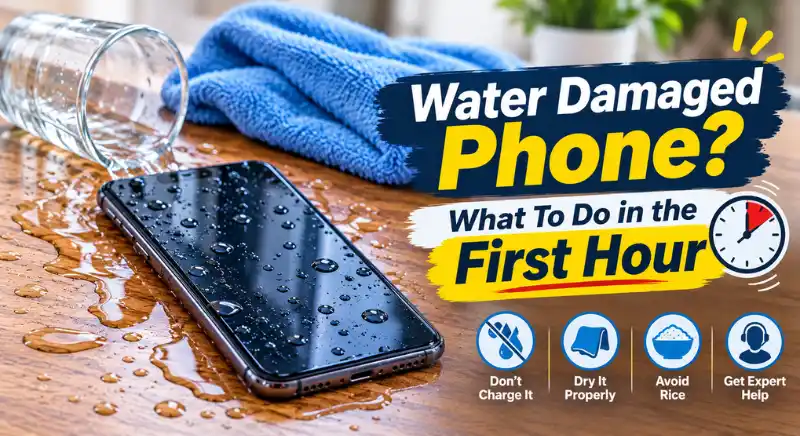
You dropped your phone in the sink, the pool or the sea, or someone knocked a drink over it. Your stomach drops. A water damaged phone feels like a disaster, but what you do in the next hour makes a big difference to whether it can be saved.
Here’s a simple guide from our repair shop in Whakatane. Read it now, then come back to the details later.
What to do in the first hour
1. Get it out of the water and switch it off. Do it straight away. If it’s already off, leave it off. Don’t press buttons to see if it still works.
2. Take off the case and remove the SIM tray. Take out any cards or accessories too. This lets air in and gets water out of the places it hides.
3. Dry the outside. Use a soft, dry cloth. Gently tap the phone with the charging port facing down, so water can run out.
4. Leave it somewhere dry with airflow. Put it on a towel in a room-temperature spot, away from heaters and direct sun.
5. Bring it to a repair shop as soon as you can. The sooner it’s opened and checked, the better the chance of saving it.
What not to do with a water damaged phone
These are the common mistakes that turn a fixable phone into a dead one:
– Don’t charge it. Power running through a wet phone can short-circuit the parts inside.
– Don’t turn it on to test it. It might seem to work, but the damage can be happening inside.
– Don’t use a hairdryer, oven or heater. Heat can damage the battery, glue and screen.
– Don’t blow compressed air into it. It can push water further inside.
– Don’t poke cotton buds, paper or tissue into the ports. You’ll leave bits behind.
– Don’t shake it. Shaking moves the water around inside.
– Don’t bury it in rice. It doesn’t reliably dry a phone from the inside, and small bits of rice can end up in the ports.
Why speed matters
Water on its own isn’t always the worst part. The real damage comes when moisture sits on the circuit board and the parts start to corrode. Corrosion builds up over hours and days, and once it starts it’s hard to stop.
If your phone went into salt water from the sea, a soft drink, or anything other than clean water, tell the technician. Salt and sugar leave residue that can damage a phone faster, so it’s even more important to get it checked quickly.
Is your phone waterproof?
Many newer phones are water-resistant, but that isn’t the same as waterproof. The seals wear down over time and can be weakened by drops, cracked screens and previous repairs. Phone makers’ warranties generally don’t cover liquid damage, so it’s best not to rely on the rating.
Signs of water damage, even if your phone seems fine
Sometimes a phone works at first and the problems show up days later. Watch for:
– The phone won’t charge, or charges very slowly
– Crackly or muffled speaker or microphone
– Fog or water marks behind the camera lens or screen
– Lines, dark patches or flickering on the display
– The battery draining unusually quickly
– A liquid contact indicator that has turned red (on many phones it’s inside the SIM tray slot)
If you see any of these after your phone has been wet, don’t wait. Get it checked.
What we do when you bring in a water damaged phone
We open the phone, check for moisture and corrosion, and test what’s working. Then we tell you what we found and what can be fixed before we start the repair. Depending on the damage, that can mean cleaning the inside or replacing parts such as the battery, charging port or screen.
Not every water damaged phone can be saved, and we’ll be honest with you about that. If your phone won’t turn on and you’re worried about your photos and files, ask us about data recovery too.
Quick answers
Can a water damaged phone be fixed?
Often it can, especially when it’s switched off quickly and brought in soon. It depends on how long it was wet, what it was wet with, and how much damage there is.
Should I wait to see if it dries out on its own?
No. Drying the outside isn’t enough, because the moisture inside is what causes the damage. Switch it off and get it checked.
Will my data be safe?
Once your phone is working again, back it up straight away. If it won’t turn on, we may be able to help, but we can’t promise anything until we’ve looked at it.
Water damaged phone in Whakatane?
Don’t wait and hope. Switch it off and bring it in. Walk-ins are welcome at our shop on The Strand, or call us on 07 262 4130 and we’ll tell you what to do. You can also see all our repair services or contact us online.
Pingback: Galaxy S25 Ultra Repair Whakatane | Screen & Battery